 Petko Aleksandrov
Backtest Portfolio of Expert Advisors
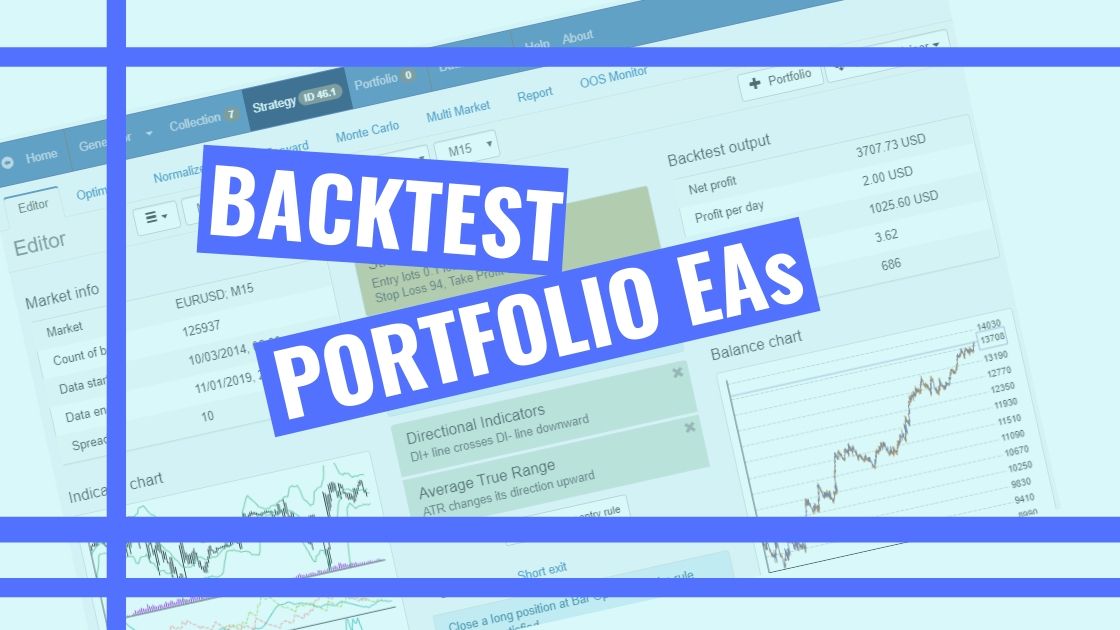
Backtest Portfolio might sound a bit complicated even for the experienced traders, but it is not. Not with the strategy builder EA Studio.
Hello, dear traders. In this lecture, I will talk about the backtesting portfolio Expert Advisors that are available in EA Studio. And I think this is the only Strategy Builder that provides portfolio Expert Advisors, so far I didn’t see any other.
What are the portfolio Expert Advisors?
These are Expert Advisors that contain many strategies inside. With simple words, all these strategies that I have for the EURGBP and, in this case, I have the ten which I placed on the Meta Trader. But even if they are more, I can add these strategies to 1 Expert Advisor.
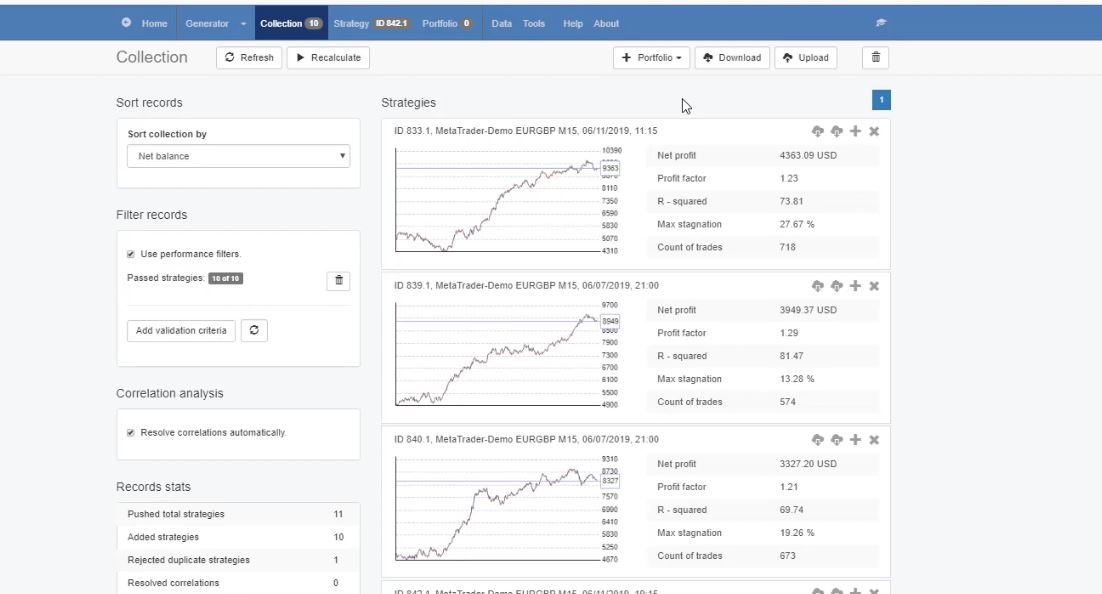
So 1 Expert Advisor will trade these strategies on one chart in Meta Trader. And if you backtest portfolio EA, it means you are backtesting all the strategies inside.
Now, some of the students say it’s a lot of work to place many Expert Advisors on different charts in Meta Trader, to open new charts, and to put the Expert Advisors over it.
For me, it’s not really a lot of work. I don’t think it will take anybody more than 10 minutes to do it, or a little bit longer if you do it for the first time.
However, the solution for that is portfolio Expert Advisors. Next to the Expert Advisor for MT4 and MT5 buttons from where we export the strategies, we have the + button, which says add to the portfolio.
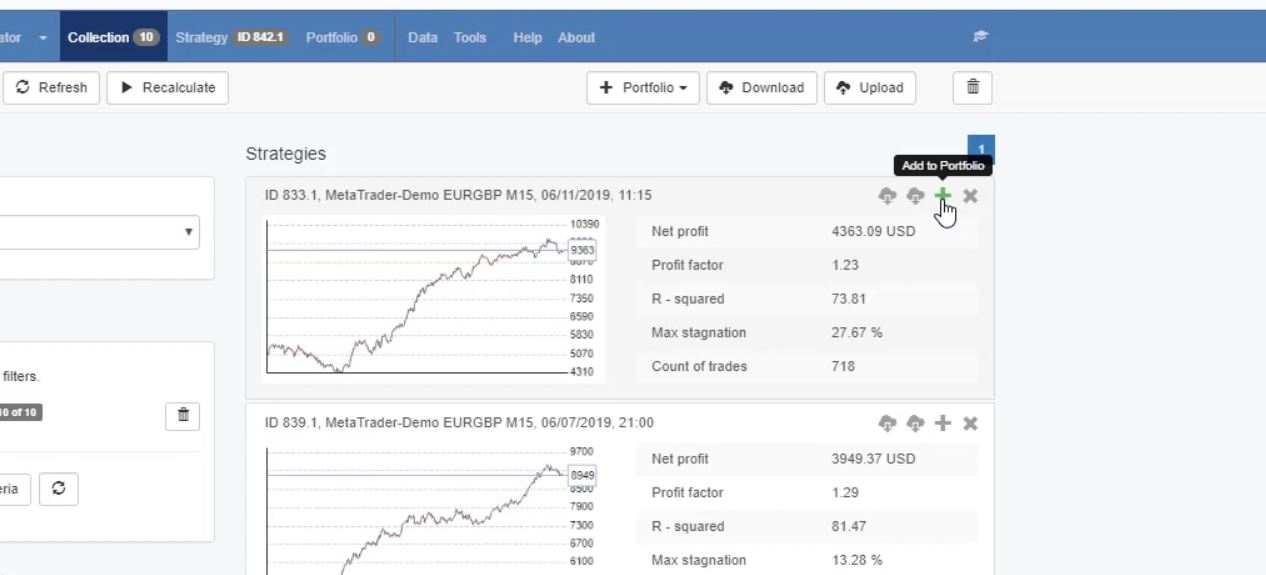
If I click on it, the strategy goes to the portfolio.
The purpose of backtest portfolio Expert Advisor.
Now, let me click on all of the strategies from this collection and these strategies will go to the portfolio. And what’s interesting here is that you will see the compiled backtest. I will calculate it, and I will see what the difference is.
This is a backtest portfolio result:
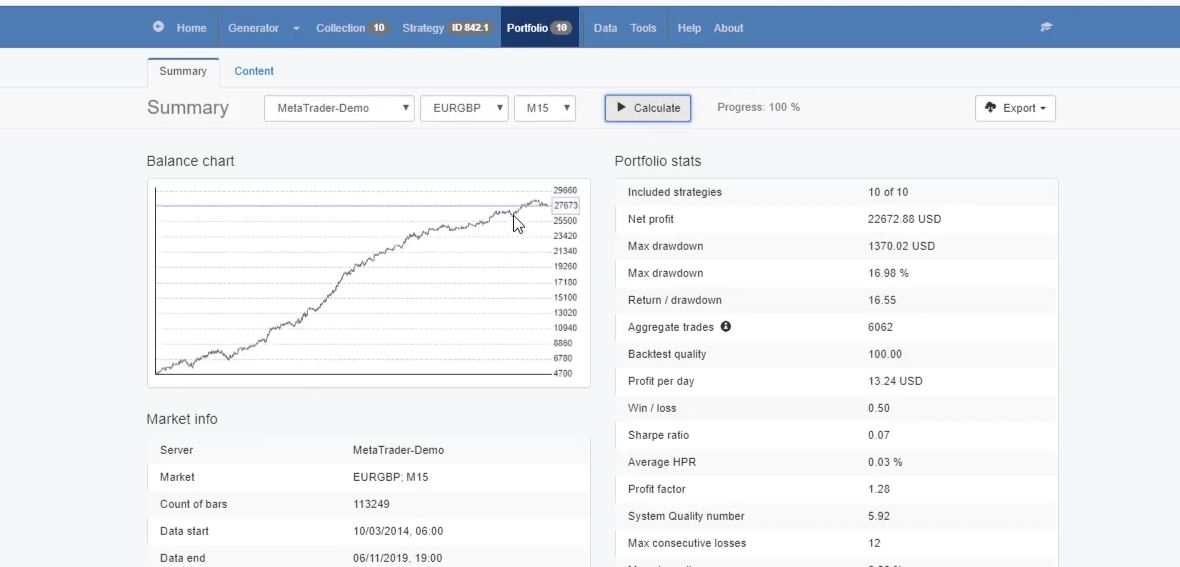
Much smoother line, no huge stagnation. In this case, the maximum stagnation is 6.56%.
And if you compare it with the stagnation of all strategies, and if you can compare the backtest equity lines. You will see why the backtest portfolio EA has much better results.
The backtest portfolio shows it all, much smoother. And this is exactly the idea when we trade many strategies simultaneously. That when 1 strategy loses, for example, one at this moment is losing
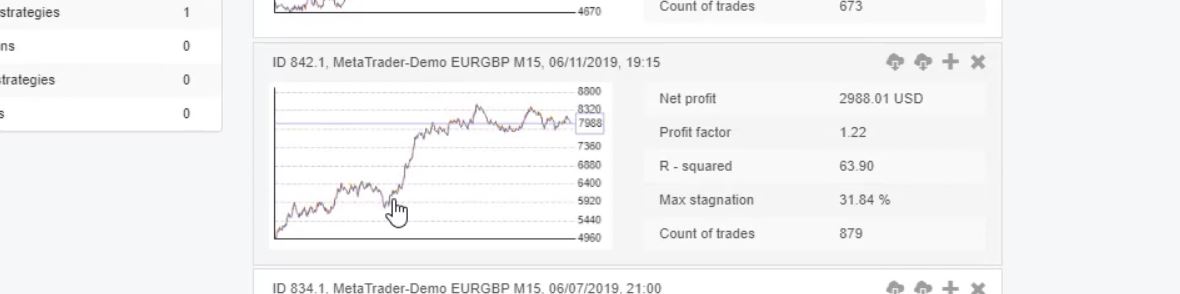
But at this moment another strategy makes a profit.
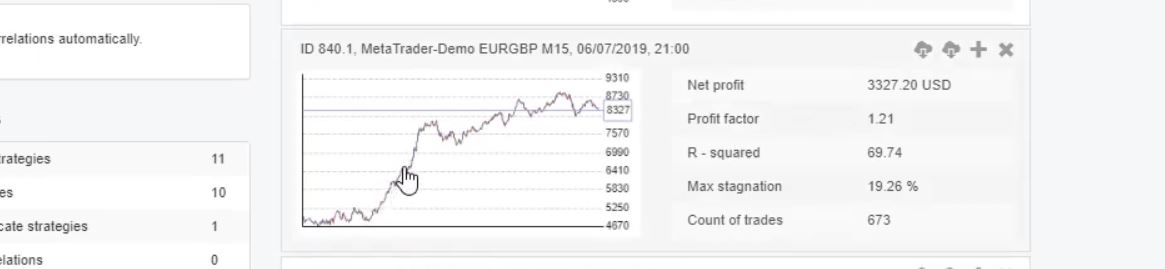
So they compensate each other. When one loses, the others compensate for the loss. And this is why when we backtest portfolio Expert Advisors, we see much better results. Now, keep in mind that one portfolio Expert Advisor is for one timeframe for one asset.
So you cannot put into one portfolio Expert different strategies from different currency pairs, or assets, or different timeframes. One portfolio Expert Advisor is for 1 currency pair and for 1 timeframe. After that, you can export it. And if you click on the export button, it says portfolio Expert hedging MT4.
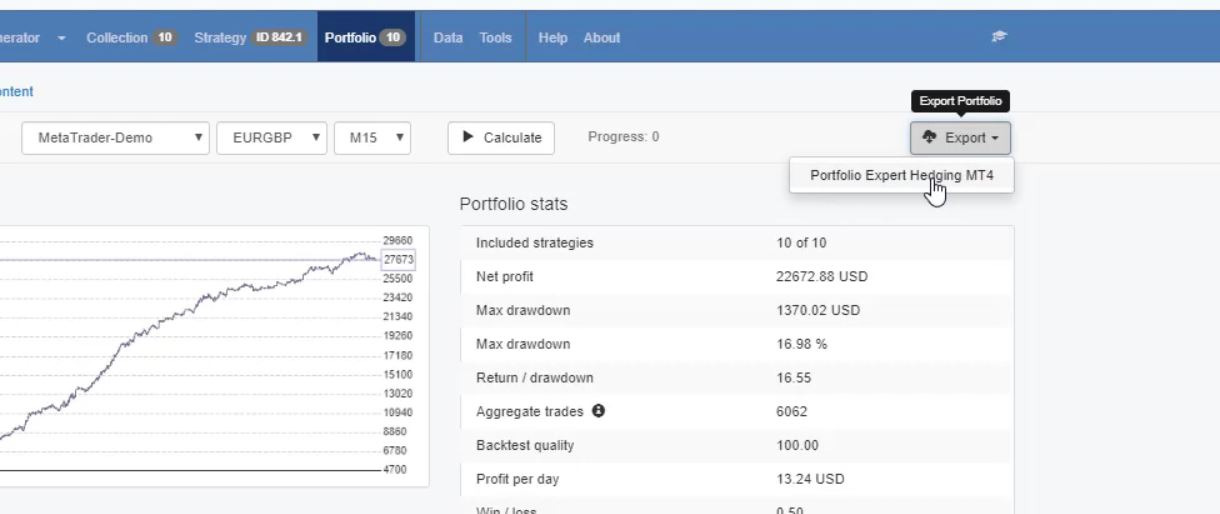
Difference between EA Studio trial account and licensed account.
And it’s not available for Meta Trader 5 because most of the brokers with Meta Trader 5, they don’t provide hedging. And I can place the portfolio Expert Advisor in 1 chart in Meta Trader, and the strategies will open and close trades there.
Now, something important to know is that the portfolio Expert Advisors are available only for the licensed users of EA Studio. They are not available with the trial accounts. And this is the only difference between the trial account of Expert Advisor Studio and the licensed account.
This means that you can backtest portfolio EAs as much as you want but to exprt one, you will need the license.
Everything else is 100% the same. Just that if you are on a trial account, you will not be able to export the portfolio. You can put some strategies into the portfolio to see what is the combined backtest, but you will not be able to export it as a portfolio.
How do I use the portfolio Expert Advisors?
Normally, I trade with a couple of portfolio Expert Advisors, but I trade them straight away to the live account. Because the difference is that when we trade a portfolio of Expert Advisors, we trade all the strategies together. And we can remove from the code, which is very easy actually, 1 of the strategies, or 2 of the strategies, or the strategies that don’t perform well.
Difference between trading with separate Expert Advisors and trading with portfolio Expert Advisors.
So let’s say these strategies are from 1 portfolio Expert Advisor, they trade on 1 chart. And what I do is I leave in this Expert Advisor the profitable strategies, and I remove the losing ones.
Once again, this is very easy to be done from the code of the portfolio Expert. You don’t need to backtest portfolio EAs or anything like that.
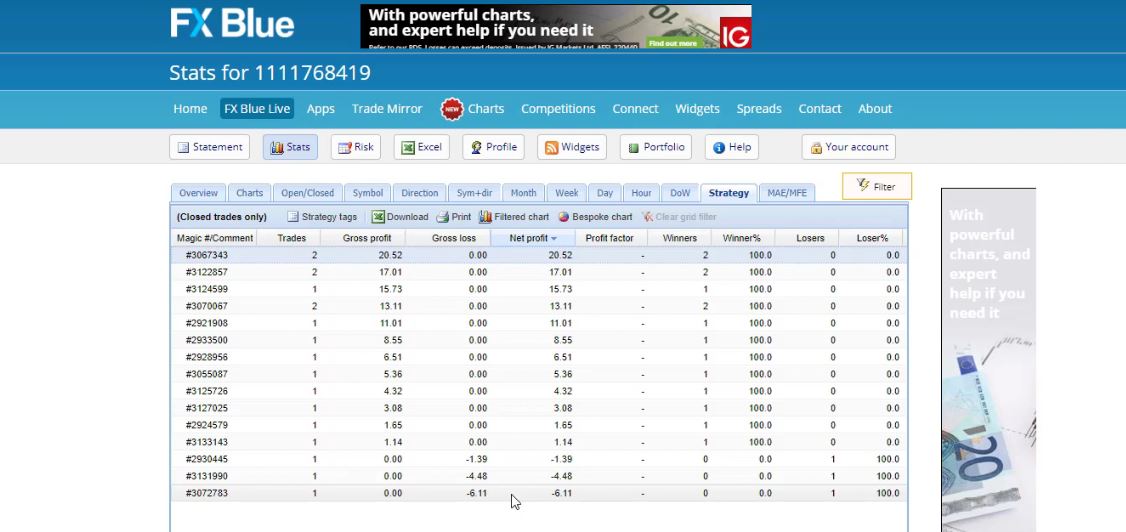
So the difference is that when we trade with separate Expert Advisors, I test them on a Demo account, and I select the current profitable strategies to trade on the live account.
While when I’m trading with portfolio Expert Advisors, I need to place them on the live account and to remove the strategies that are not performing according to my expectation or Acceptance criteria that I keep here while following the results.
These are just 2 different methods. And if you want to trade or just backtest portfolio Expert Advisors, I would suggest you again trade first on a Demo account. So this is pretty much about the quick guide in EA Studio.
Don’t hesitate to ask me any questions if you have about the generator, about the Acceptance criteria, the strategy properties. If there is something not clear, don’t hesitate to ask questions in our Forum.
I do my best to answer within 12 hours.
There are already many experienced traders and users of EA Studio, they will answer your questions as well, and they will share their experience with you.
Thank you for reading and enjoy trading, especially trading with Expert Advisors and backtest portfolio EAs to see the impact these EAs have.
Cheers.