 Petko Aleksandrov
In this lecture, I will tell you what is MetaTrader robot and how you can download one for free.
Are you looking for a free MetaTrader robot to download with no strings attached? Then you’re at the right place! Just scroll to the bottom of this page and leave your email to receive a download link. Or you can continue reading this lecture and understand what is a MetaTrader robot and how to use it.
The MetaTrader Platform
MetaTrader is the most popular platform for manual and algorithmic trading. It owes its popularity to the fact that it is free and most of the regulated brokers provide it. We have conducted a detailed MetaTrader 4 tutorial in another lecture.
And of course, if you are just starting with trading, make sure to start with a regulated and trusted broker. It is super important nowadays because there are many scam brokers. And if you want to withdraw your profits at one moment, you need to use a regulated broker.
So MetaTrader platform is free for us the traders, the clients. And the brokers pay to a third-party company called Meta Quotes to get the MetaTrader platform and offer it to all of their clients. That’s why it’s free and that’s why it is so popular.
Robot trading with MetaTrader
One of the most important features of MetaTrader is that we can use the platform to trade with robots. The robots are automated trading strategies that will execute the trades for us. In other words, we don’t need to stay in front of the computer and click on the “Buy” and the “Sell” button whenever we decide to enter into a trade.
Trading with many robots on MetaTrader
The robot does the whole thing automatically, which allows us to trade on MetaTrader with hundreds or even thousands of robots simultaneously.
And that’s great, it is something that we cannot do manually. You cannot follow more than 2 to 3 strategies manually. But with MetaTrader Robots, you can trade as many trading strategies as you wish.
By the way, the maximum on the MetaTrader platform is 99 Expert Advisors, which is the other name for robots. But we can install many MetaTrader platforms on one computer, which makes it almost limitless.
What are the popular ways to get a MetaTrader Robot?
It’s not rocket science, it’s super easy to start trading with MetaTrader robots and I will explain to you how.
#1 Code the robot by yourself
The first way is to code it by yourself.
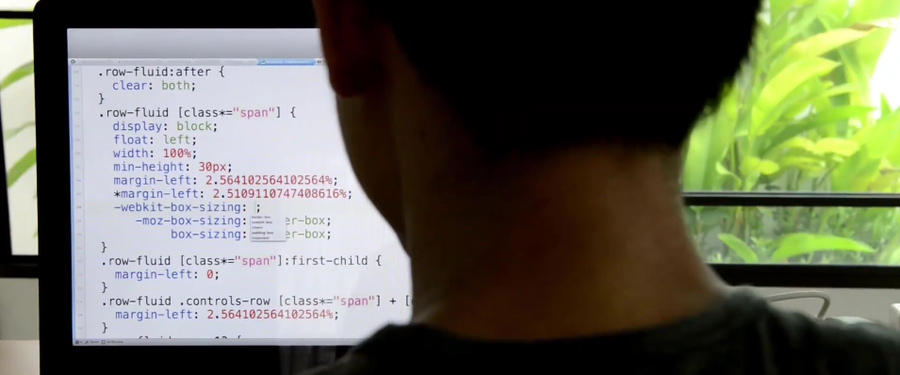
Well, that’s time-consuming and you need to know programming and you need just to adapt to the Meta Editor, which is the spot where developers called Expert Advisors.
#2 Hire a developer to code the robot
There are many trading developers out there who are willing to code Expert Advisors based on the ready strategies that you might have. But keep in mind that these guys take a lot of money. And it becomes quite costly to develop a single Expert Advisor if you pay especially to a good developer.
#3 Buy the robot from MetaTrader marketplace
You can buy an Expert Advisor or MetaTrader Robot from the marketplace.
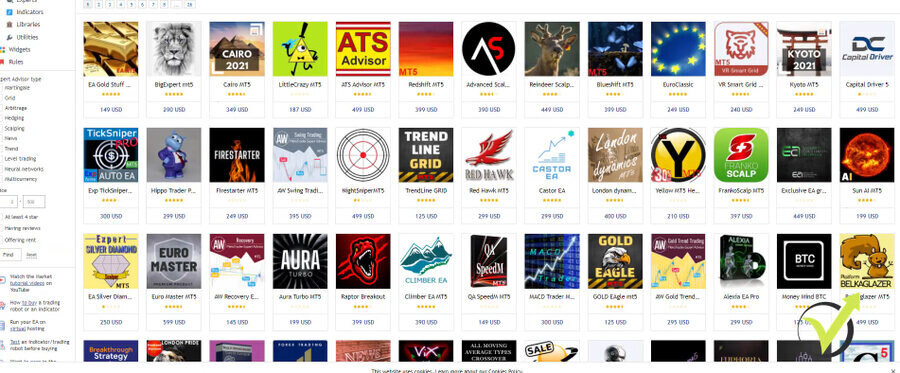
Of course, there is no guarantee that any of these Expert Advisors or Robots is profitable. There are some good pieces out there. But make sure to look for reviews and other satisfied traders that are happy with the performance of the MetaTrader Robot that you are willing to buy.
#4 Create the robot with a strategy builder software
The option that I use the most to download MetaTrader 4 & 5 robots for free, is to use strategy builders like Expert Advisor Studio, FSB Pro, Strategy Quant, and etc. There is the Strategy Tester, EA Builder, quite many programs.
I personally use the most EA Studio and FSB Pro as they are most professional according to me.
These are programs that allow me to automate a strategy as a MetaTrader robot without programming skills. I do a lot of analysis using these programs and this is how I succeed to trade with many Expert Advisors simultaneously. Because the best thing about using a strategy builder is that, with one click you can export a ready-to-use MetaTrader Robot and download it for free.
How to use a MetaTrader Robot?
So now quickly, I will show you how easy it is to use a MetaTrader Robot and you will see that it’s not rocket science. What you see below is the MetaTrader platform which as I’ve said is one of the most popular platforms out there.
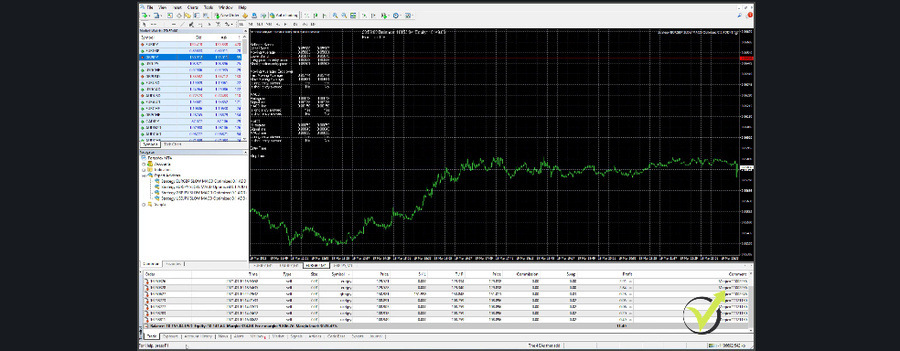
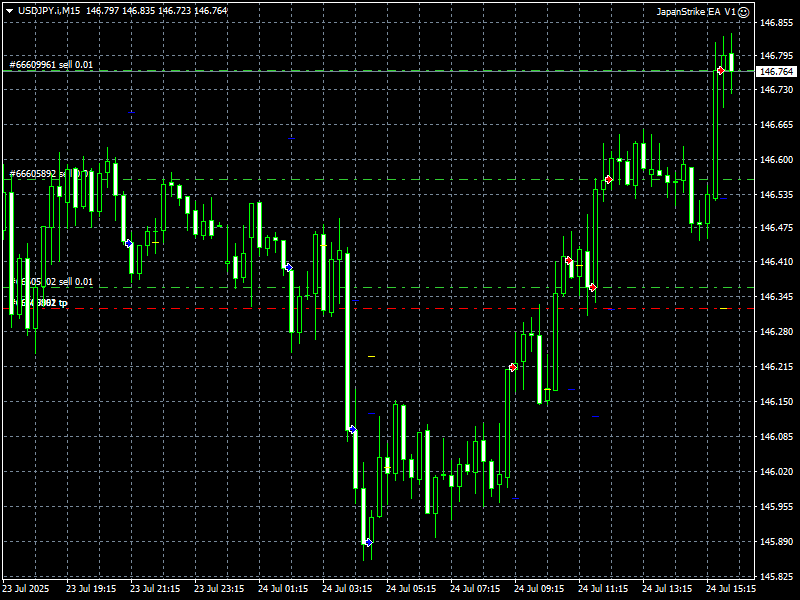
Especially, because we can use Expert Advisors, and here I have 4 MetaTrader robots which I’m trading semi-automatically. What that means is that I decide which direction I want the EAs to trade.
It is very easy
So when we’re in an uptrend, I set them on a buy mode. When we’re in a downtrend, I set them in a sell mode.
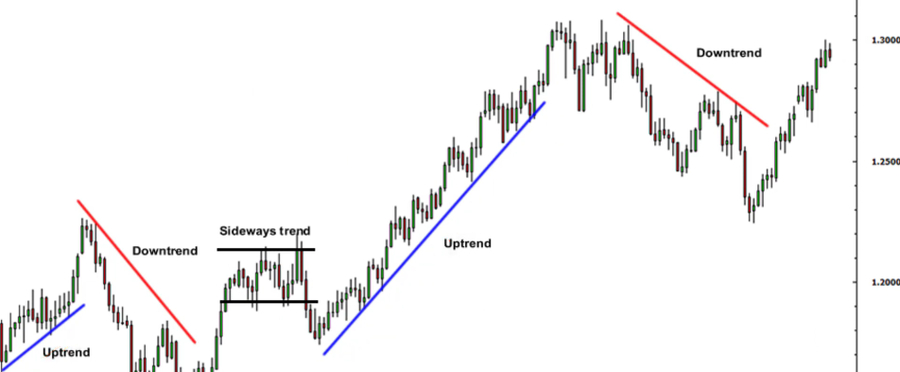
And now because EURGBP has broken one very important support level that we have at 088.60. What I will do, I will set a Robot only to sell and you will see how easy it is. I will go to the navigator, where I have the Expert Advisors. Then I will just double-click on the EURGBP Expert Advisor and you will see a small menu comes up where I have all the inputs predefined.
I click on OK if I want to trade on both directions. But if I want to set up a direction, I need to click on Common.
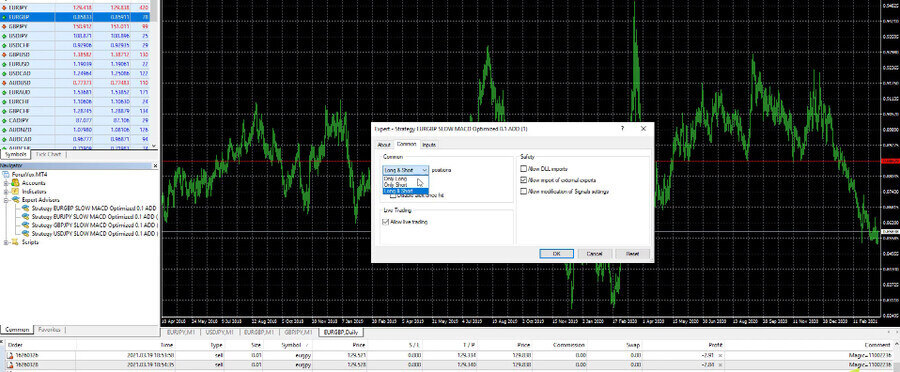
Then I will select only short, for example. And then if I click on OK, on the top right-hand corner, I see the smiley face.
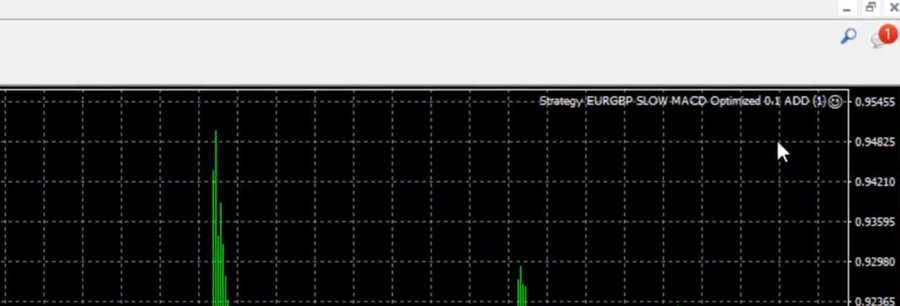
This means that the Expert Advisor is attached to the chart and it will start trading. This Expert Advisor or this MetaTrader robot works on the M1 chart. It’s a little bit of a scalping Expert Advisor.
In the account history, I got a few dollars as a profit from every trade opened but I have a lot of trades that are being opened and closed. I see that I have more profits than losses. These are EAs that I’m just testing out at the moment and probably soon I will share them in one of my courses.
So it is that simple to place an Expert Advisor on the MetaTrader platform. Expert Advisor, one more time, is the same thing if you say a robot. In other words, a robot is a slang word and many people just call it MetaTrader Robot. Because MetaTrader is the most popular platform for Algorithmic trading and for Expert Advisors or Robots.
And at the end of the lecture, I would like to say one very important thing. Don’t look for a MetaTrader robot that will bring you constantly profits with EAs without any work to be done. There is always some work – to follow the results, to manage the Expert Advisors, and etc. For example, if you trade many, let’s say 30 robots in one trading account, you better follow the results and see which Expert Advisors perform the best.
So these you can put on a bigger Live account or you can test MetaTrader robots on a virtual account. Or the so-called Demo accounts which allow the traders to participate in the market without risking any real money. And of course, it is a must to update the MetaTrader robots so they will work on the current market conditions.
That’s why when I include Expert Advisors in my courses, I always update them and make sure that the students that enrolled in the courses are getting fresh and relevant MetaTrader Robots for the current market conditions.
Alright guys, thanks for reading this lecture. If you have found it useful, don’t forget to leave a comment below.
Enter your email address below to receive the free MetaTrader Forex robot download link.