

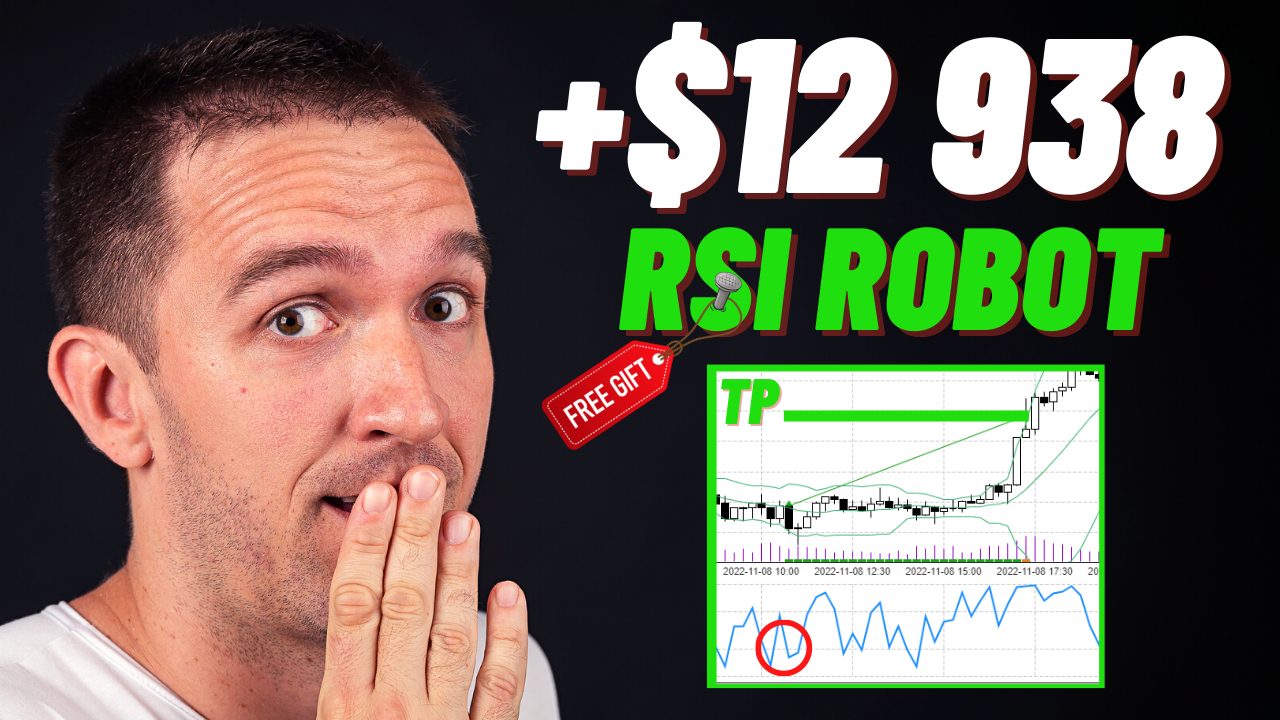
An RSI trading bot is an automated program that watches the Relative Strength Index and opens or closes positions automatically once its programmed conditions are met. This guide explains how that logic works, lays out the exact rules of a free robot built for EUR/USD on the 15-minute chart, and shows how to test it in MetaTrader before any real capital is involved.
Petko Aleksandrov, founder of Algo Trading Space, generated hundreds of RSI-based systems with different logic, then narrowed the field to 45 candidates, as he explains in the video below (published alongside this article in April 2023). Read the one he chose to share as a worked example, not a finished product to switch on and forget.
What Is an RSI Trading Bot?
It is software that converts RSI readings into trade decisions without manual input. On MetaTrader it runs as an Expert Advisor (EA), a compiled program attached to a chart that reads each new bar, checks its rules, and sends orders to your broker whenever those conditions line up.
The indicator comes from J. Welles Wilder’s 1978 book New Concepts in Technical Trading Systems (StockCharts ChartSchool). The oscillator runs from 0 to 100, with readings above 70 traditionally treated as overbought and those below 30 as oversold (Fidelity Learning Center, accessed September 2026). Before running any robot, it helps to understand what Expert Advisors can and cannot do, since automation removes hesitation along with discretion.
How Does an RSI Trading Bot Work?
Each cycle follows the same loop: calculate the indicator on the latest price, compare the reading with entry and exit conditions, then place, manage or close orders. A minimal version buys when RSI climbs back above 30 and sells near 70, whereas fuller systems add:
- a confirmation indicator, so RSI alone cannot open a position;
- fixed protective orders on every trade;
- an indicator-based exit that can close early;
- filters for session, spread width or trend direction.
Why bother with extra layers? Fidelity notes that RSI can stay overbought or oversold for long stretches during strong trends, exactly when a naive 30/70 rule keeps buying into a falling market. Aleksandrov reached the same conclusion from his own testing: RSI used purely as an entry trigger lost money, whereas pairing it with other indicators produced fewer, better-qualified entries.

Which RSI Settings Do Bots Use?
Wilder’s original configuration of 14 periods with 30 and 70 levels remains the platform default, but automated systems often depart from it. Shorter lookbacks react faster and hit extremes more often, while longer ones smooth the line, so validate any value on your own data rather than borrowing it.
The RSI Robot Strategy Used in This Guide
This example trades the M15 euro chart using three indicators plus a fixed stop and target. Every value below comes from the strategy presented in the video; these belong to this particular system and are not general recommendations.
| Setting | Value |
| Market | EUR/USD |
| Timeframe | M15 |
| RSI period / level | 2 / 30 |
| Confirmation indicator | DeMarker, period 45 |
| Exit indicator | Bollinger Bands, period 12, deviation 2.49 |
| Take profit | 60 pips |
| Stop loss | 55 pips |
| Platform | MetaTrader 4 |
Because these values were found on euro-dollar data, treat any other pair or timeframe as a new strategy requiring a separate test.
Entry Rules
A long requires RSI(2) to cross upward through 30 while DeMarker(45) is rising, with the order placed at the open of the next candle. Shorts apply the opposite logic: RSI crosses its level line downward and DeMarker must be falling.
A period of 2 makes RSI far more sensitive than the traditional 14. That speed produces earlier signals but also more noise, which is why this system never acts on RSI by itself. DeMarker, which compares each candle’s high and low against the one before (MetaQuotes DeMarker documentation), screens out short-lived flickers. It reduces false entries; it cannot eliminate losing trades.

Exit Rules
Whichever event comes first closes the position: the 60-pip target, the 55-pip stop, or the volatility exit. A long closes when a bar opens below the lower band after the prior bar opened above it, and a short closes on the mirror condition at the upper band.
These envelope values are unusual. John Bollinger pairs shorter averages with narrower bands, suggesting roughly 1.9 standard deviations at 10 periods against the familiar 2 at 20 (BollingerBands.com, Bollinger Band Rules, accessed September 2026). A 12-period setting at 2.49 sits well outside that convention, typical of optimiser output, which is a strong reason to test on data the robot was not built on. Our walkthrough on automating Bollinger Bands in MT4 covers this exit type in isolation.
Risk Management Settings in an RSI Bot
Controlling losses comes down to three questions: how much one trade can lose, how size scales with the account, and how costs erode the edge. The EA answers only the first.

With 60 pips of potential gain against 55 at stake, the payoff is nearly symmetrical. If every trade ended at one of those levels, the system would need to win a little under 48% of the time to break even before costs (55 divided by 115), and each pip of round-trip cost adds just under one percentage point to that threshold. Because the Bollinger condition can close positions at smaller wins or losses, the true break-even rate comes from the backtest report rather than this arithmetic.
Many traders size positions so a full stop costs a small, fixed fraction of equity, then check how deeply the longest historical losing streak would cut.
Why This Strategy Adds DeMarker and Bollinger Bands
Combining indicators that measure different things is the main defence against RSI’s false signals, and each element here has a distinct job.
| Component | Role | What it guards against |
| RSI (2) | Initial signal | Missing fast momentum shifts |
| DeMarker (45) | Directional confirmation | Entering on brief spikes |
| Bollinger Bands (12, 2.49) | Volatility exit | Holding on after momentum fades |
| Protective orders | Hard limits | Open-ended loss on one position |
Aleksandrov also favoured this combination because it trades less often, and on M15 paying spread fewer times can matter as much as sharper entries.
Backtesting an RSI Trading Bot in MetaTrader 4
A backtest replays the robot’s rules over historical prices to show how it would have behaved:
- Download the robot from the link below, then choose File > Open Data Folder in the terminal.
- Go to MQL4 > Experts, paste the EA and close the folder.
- In the Navigator, right-click Expert Advisors and select Refresh.
- Open the Strategy Tester, then pick the EA, EUR/USD and M15.
- Set the modelling method and date range, then press Start.
- Review the Results, Graph, Report and Journal tabs.
The video uses the fastest modelling method, which reads only each bar’s opening price. MetaQuotes describes Every tick as the most accurate but slowest mode (MetaTrader 5 Help, Strategy Testing), and rerunning with it is a worthwhile cross-check because stops can trigger intrabar. Our step-by-step MT4 backtesting guide explains history downloads and spread settings.
How to Evaluate RSI Bot Backtest Results
A good backtest is one whose numbers survive scrutiny, not the one with the largest profit. Check these fields first:
- Total trades. The MT4 test in the video produced only 69 trades because of limited broker history, a sample small enough to mislead by chance.
- Profit factor. Winnings divided by losses; values near 1 leave little margin once live costs appear.
- Maximum drawdown. The deepest peak-to-trough fall in equity.
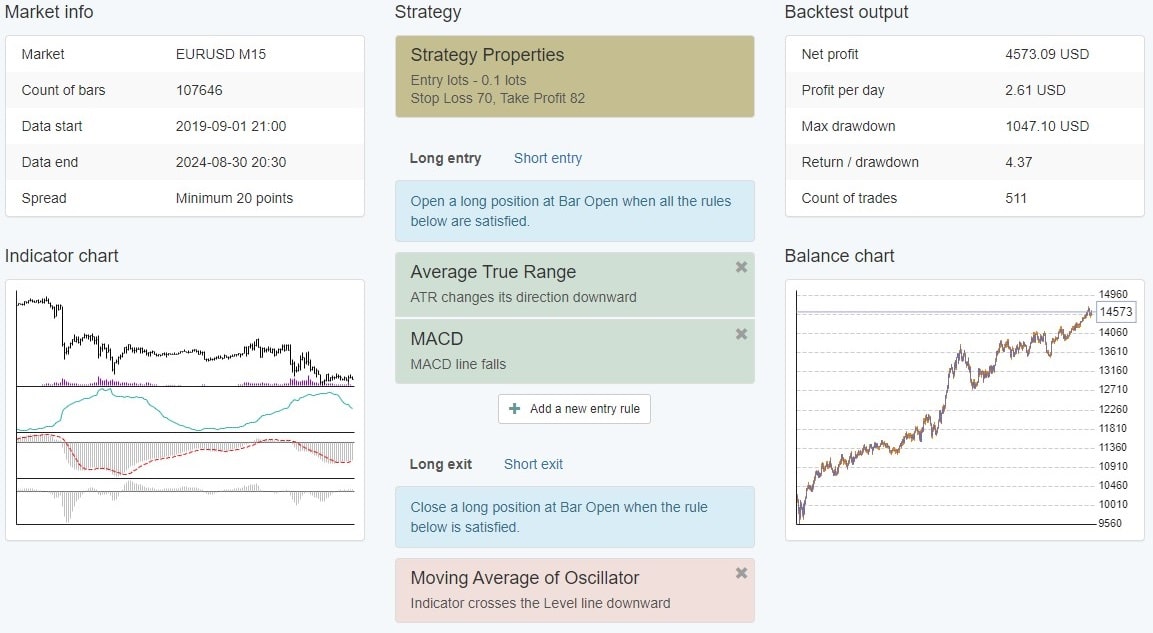
- Consecutive losses. Aleksandrov highlighted a longest losing streak of four in his EA Studio test, and your broker’s history may differ.
- Size of winners versus losers. Shows whether the band exit trims gains or rescues bad positions.
- Cost assumptions. A test on a tight fixed spread will overstate what a wider live account delivers.
Is there a good win rate for RSI automation? Not in isolation: a high hit rate paired with large losses can still bleed money, so judge payoff ratio, drawdown and sample size together.
Durability is the last hurdle. Rerun the robot on a date range it was not optimised on, try another broker’s feed, and consider walk-forward analysis before trusting any parameter set. Then move to demo trading, because there are several reasons why backtest results differ from live trading, from slippage to shifting spreads.
Can You Run an RSI EA on MT4 and MT5?
Expert Advisors are platform-specific. This robot ships as an MT4 file, and MQL4 programs cannot simply be dropped into MetaTrader 5, whose robots compile to .ex5 files kept in the MQL5/Experts folder (MetaQuotes algorithmic trading documentation). Running identical RSI logic on MT5 means rebuilding it in MQL5; testing principles then stay the same, although the newer tester adds real-tick modelling, as our guide to backtesting in the MetaTrader 5 Strategy Tester explains.
Broker Requirements for Automated RSI Trading
The broker shapes live performance nearly as much as the rules do, so check execution speed, spread plus commission, MT4 or MT5 availability, whether automated trading is permitted, and which regulator oversees your account.
Leverage deserves particular caution. Retail clients of EU-regulated brokers are capped at 30:1 on major currency pairs under product intervention measures ESMA introduced in 2018 (CNMV bulletin, June 2018; renewal notice, March 2019). Firms outside that framework may offer far more, yet higher gearing magnifies losses exactly as fast as gains.
The accompanying video was sponsored by BlackBull Markets, which offers MT4, MT5 and TradingView through a New Zealand entity regulated by the Financial Markets Authority and a Seychelles entity overseen by the Financial Services Authority (FXEmpire review, 2026). Which entity onboards you, and therefore your protections, depends on where you live.
Disclosure: Algo Trading Space may earn a commission if you open an account through the BlackBull Markets affiliate link.
Advantages and Risks of RSI Trading Robots
Automation brings consistency, not certainty.
Advantages
- Rules execute identically every time, removing impulsive overrides.
- The robot monitors price continuously, including sessions you would miss.
- Every rule can be tested on past data before capital is committed.
Risks
- Parameters tuned to history can fail once conditions change.
- A closed terminal or dropped connection can leave positions unmanaged, so many traders host robots on a VPS.
- Leverage amplifies the effect of any losing streak.
- Live slippage is rarely as kind as a simulation.
Is this robot suitable for beginners? Its rules are easy to follow, making it a useful study of RSI automation, but trading it with real money still requires a working grasp of position sizing, testing and the platform, so the demo stage comes first.
FAQs
Can this RSI robot trade crypto?
The RSI logic transfers to digital assets, but this particular robot does not. The EA runs inside MetaTrader, so it can only trade whatever crypto CFDs your broker lists there, and its settings were fitted to EUR/USD. Bitcoin and Ethereum trade around the clock and can move far more in one session than a major currency pair, so a crypto version needs its own period, levels, stop distance and backtest. Exchange-connected bots apply similar principles through an API instead.
Do I need coding skills to create RSI Expert Advisors?
No. You can write one in MQL4 or MQL5 inside MetaEditor, but no-code strategy generators let you assemble indicator rules visually and export a working EA. The systems compared in the video were tested in Expert Advisor Studio (EA Studio), a strategy generator that also produced the statistics Aleksandrov quotes. Programming knowledge still helps when you want custom logic, such as a session filter, or need to convert an MT4 robot into an MT5 version yourself.
Can I change the robot’s input settings?
Yes, the inputs window lets you edit indicator periods, stop loss and take profit before attaching the EA to a chart. Aleksandrov recommends keeping the published values, and there is a sound reason: once you alter a parameter, the original backtest no longer describes the system you are running. Record every change, retest on the same broker data, and compare the new report against the original rather than judging an altered setting by a handful of trades.
Does this EA react to economic news?
It has no awareness of scheduled releases, because no calendar filter is coded into it. High-impact announcements, such as central bank decisions or US employment data, can widen EUR/USD spreads and cause slippage, so stops may fill worse than their set level. Some traders pause Expert Advisors around those events, while others accept that exposure and reflect it in position size. Whichever approach you prefer, try it on a demo account before relying on it with live funds.
Can I run the EA on several charts at once?
Yes, provided each instance can tell its own trades apart. MetaTrader Expert Advisors use a magic number, an identifier stamped on every order, to recognise which positions they manage. If two copies of this robot share one identifier on the same account, one may close or modify the other’s trades. Assign a unique value to each chart, and remember that several robots running together multiply your market exposure and combine their drawdowns into one equity curve.
Is RSI divergence a better bot rule than level crossings?
Usually not for a first system, because divergence is harder to code than a simple threshold cross. It occurs when price sets a new high or low that RSI fails to confirm, and defining that swing in software requires choices about lookback length, each adding inputs. Every extra variable raises the risk of fitting past data too closely. Level-cross strategies like this one are easier to test and audit, which is why many developers start there and add divergence filters later.
Talk to Algo Trading Space About Testing Your RSI Strategy
If you are weighing whether an RSI trading bot suits your account, or want a second opinion on a backtest report before going live, get in touch with the Algo Trading Space team, and we can help you check this robot against your own broker’s data.
Risk warning: Trading forex and CFDs carries a high risk of loss, and leverage can magnify losses beyond your initial deposit. This article is for educational purposes only and is not financial advice. Backtest results are hypothetical and do not guarantee future performance.

Comments
No comments yet. Be the first to comment!
Leave a Comment
Your email address will not be published. Required fields are marked with *