 Petko Aleksandrov
How to install MetaTrader 4 on PC?
Hello, dear students, in this lecture I will be showing you how to install MetaTrader 4 on PC which is the first important step you need to take. And I have selected to use MetaTrader because it’s one of the most popular platforms for algorithmic trading, for manual trading.
Most of the brokers provide it and most of the traders use it. It is free.
This is very important because if you are a beginner and just want to practice on a virtual, Demo account you can do it for free. You have actual access to the market. You can open and close trades and you can trade with Expert Advisors for free.
No charges from the brokers. This is another important thing. You need to choose your trading broker before you decide how to install MetaTrader 4 on PC. Now, there are thousands of brokers, regulated, non-regulated. There are of course these scam brokers that do not offer really the services they promise.
And in our forum at EA Forex Academy, we have one topic. You are very welcome to ask any questions as well or to read just for more information. There is this topic called: “How to recognize the scam brokers” and is very useful.
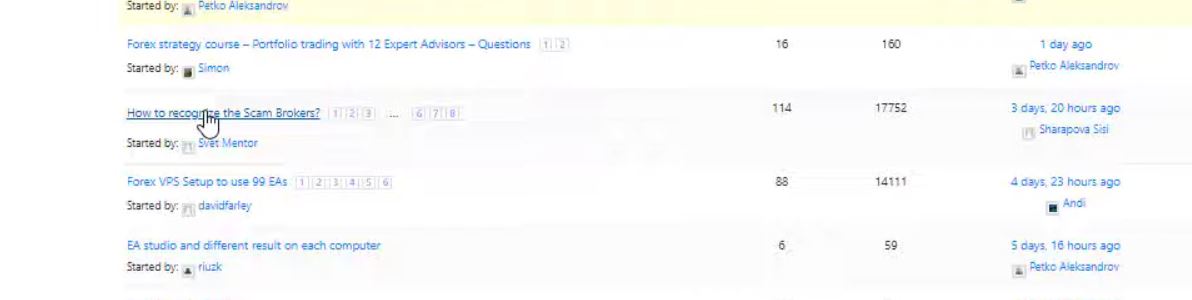
It turned out that many people shared their bad stories with the scam brokers.
Choose a regulated broker.
In the beginning, we have described the most important things you need to know in order to recognize these scam brokers. Please spend like 5 minutes reading it. It will be very useful for you if you are choosing your broker for the first time.
So make sure when you’re choosing your broker to choose a broker that is regulated, that has no bad reviews over the internet, it has low spreads and commissions which is essentially important when you are trading with Expert Advisors.
Now, for the very beginner traders when we use Expert Advisors and when we are trading with brokers we do CFD trading. This is called Contract For Difference so no matter what you are trading, is it Forex, is it cryptocurrencies, is it commodities, stocks, we use CFD trading.
Simply said, this is a contract with the broker that they will execute our trades and if the price goes in our direction, they will pay us the profit.
If the price goes against us, of course, we will have a loss. But we are not actually buying the asset physically, we are trading on the value of the asset.
And this is how the Expert Advisors work and this is how Meta Trader works. And most of the brokers and traders use CFD trading. I will demonstrate it to you in the course.
So once you choose your broker, what you need to do is to download the platform and it will come probably by email, after you register for a virtual account. And then you will see it in your Downloads folder.
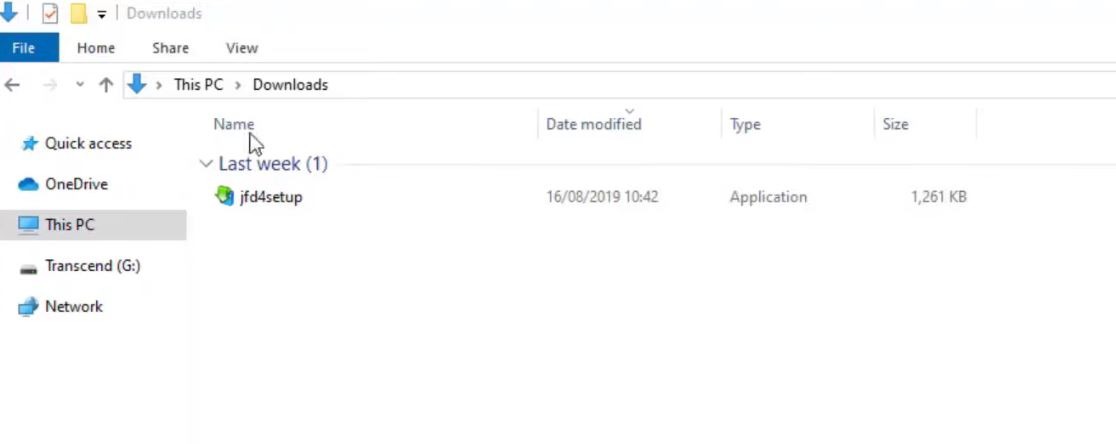
How to install MetaTrader 4 on PC: download Meta Trader 4 first.
You need to open the folder and you need to click on the setup icon. I will double-click on it and the installation starts. So there are some terms and conditions and I click on Next,
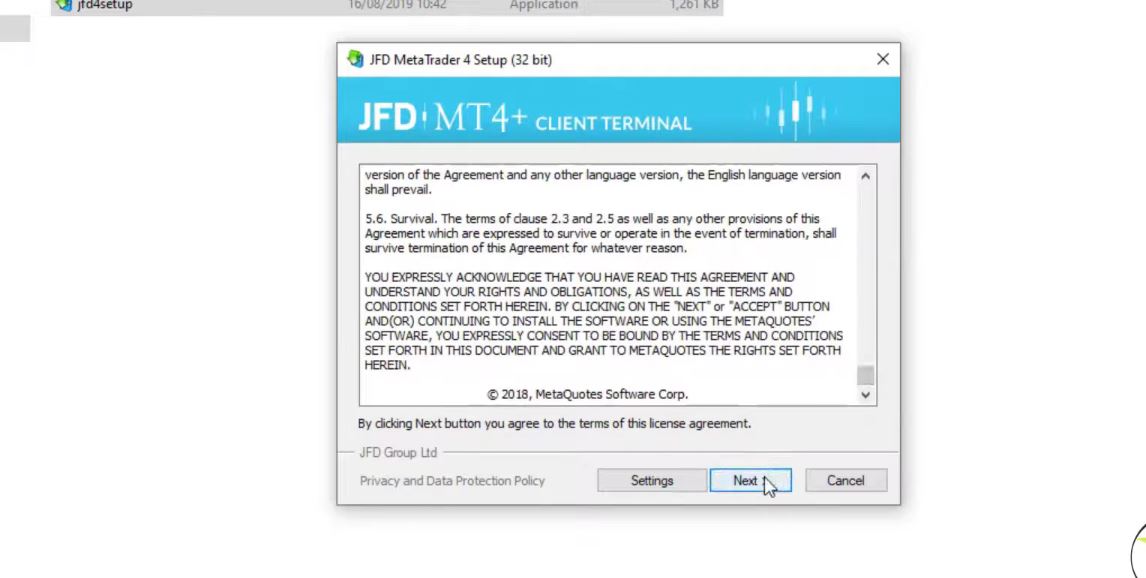
and it starts to install the platform.
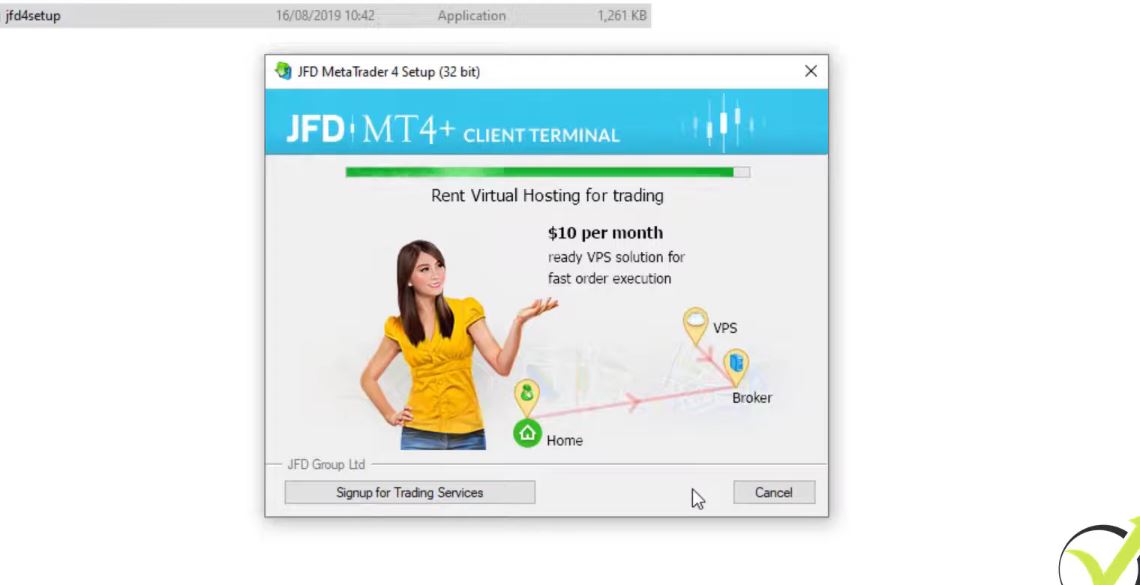
So it is very similar to any trading broker. It doesn’t really matter from where you will download it. The installation is very similar. And I click on Finish and automatically will open the MQL5 website which is the official website of MetaQuotes company that developed the platform.
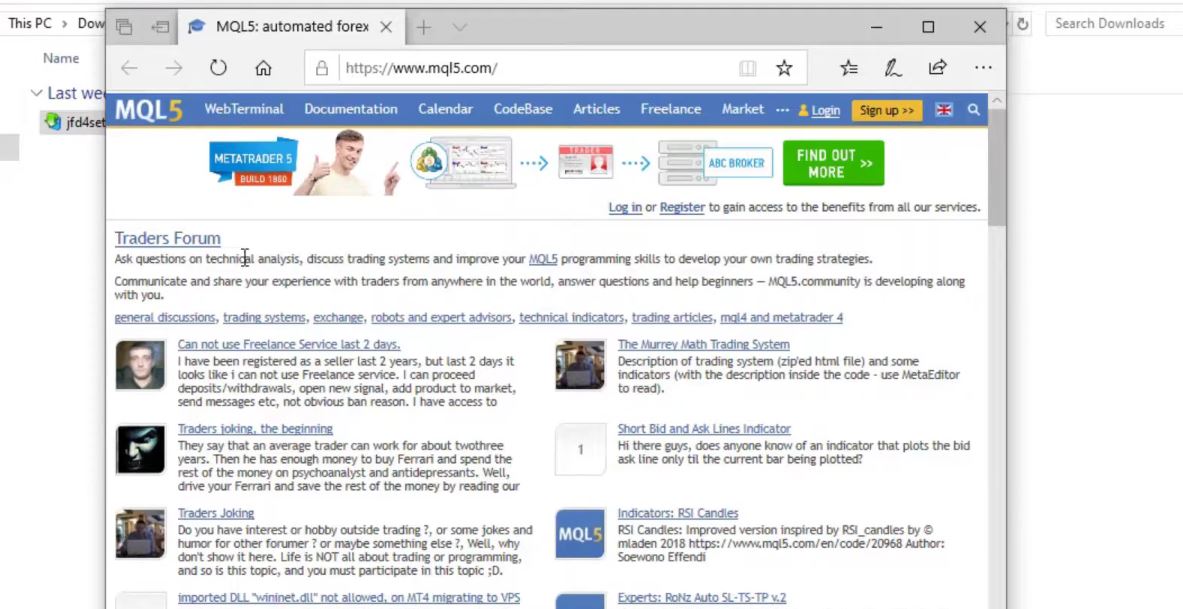
And actually, if you want to download MetaTrader from the official website you will not find it because they want to push the traders to use MetaTrader 5.
But most of the traders still prefer to use MetaTrader 4. I personally prefer to use it. So how to install MetaTrader 4 on PC? If you want to use MetaTrader 4 you need to download it from the broker that you have selected to use.
Download the free MetaTrader 4 PDF guide
Actually right now the platform is on my other screen. Let me just log into the account and I will show it to you. So here is the login tab.
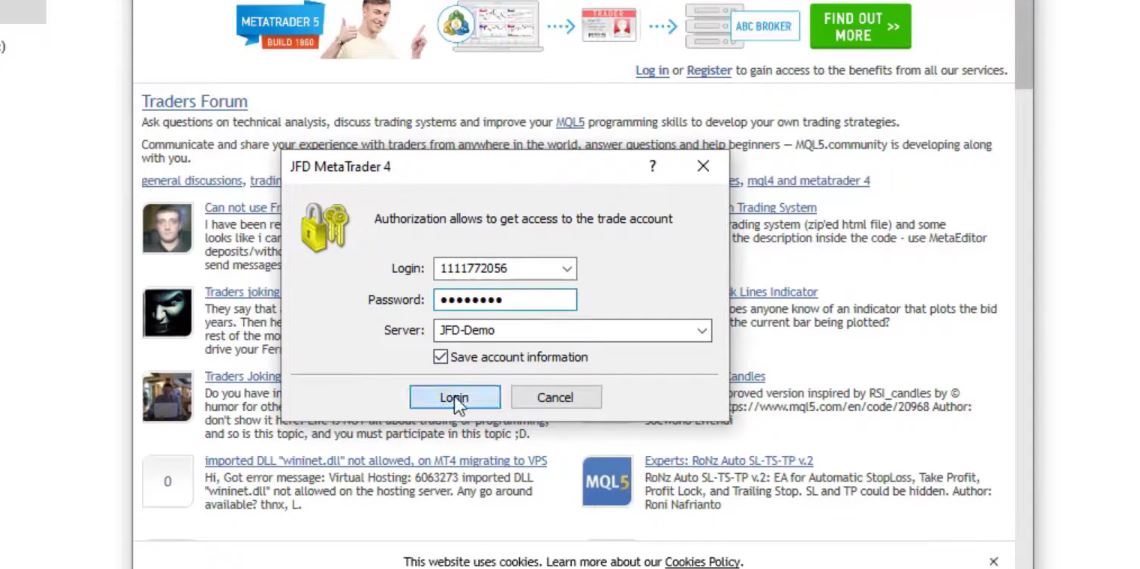
I will enter the login number and as well I will enter the password below. Here it is. And I click on log in and I will be logged in to the account. So for the very beginner traders, this is how it looks like. And when you install it for the first time, you will see some charts that are opened with some assets over here.
Practice on a Demo account.
But we can change all of that. I have opened a $10,000 account. This is a Demo account for the demonstration of the system.
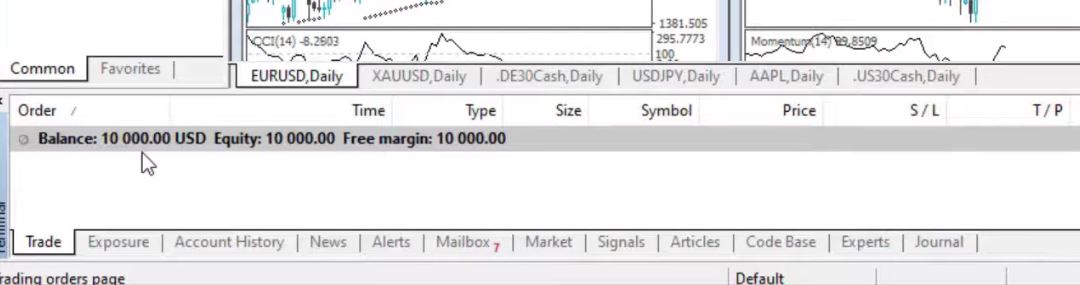
And I always suggest my students first test it all on a Demo account. It doesn’t matter what strategy, it doesn’t matter what system. Always test it first on a virtual account so you will not be risking any real money until you are satisfied with the results and you feel comfortable with the trading system.
So here you can see that I have opened EURUSD, the Gold, some indexes, USDJPY, and AAPL. Be sure to check out the lecture where we explain how to place a trade in MetaTrader 4 if you aren’t familiar with trading.
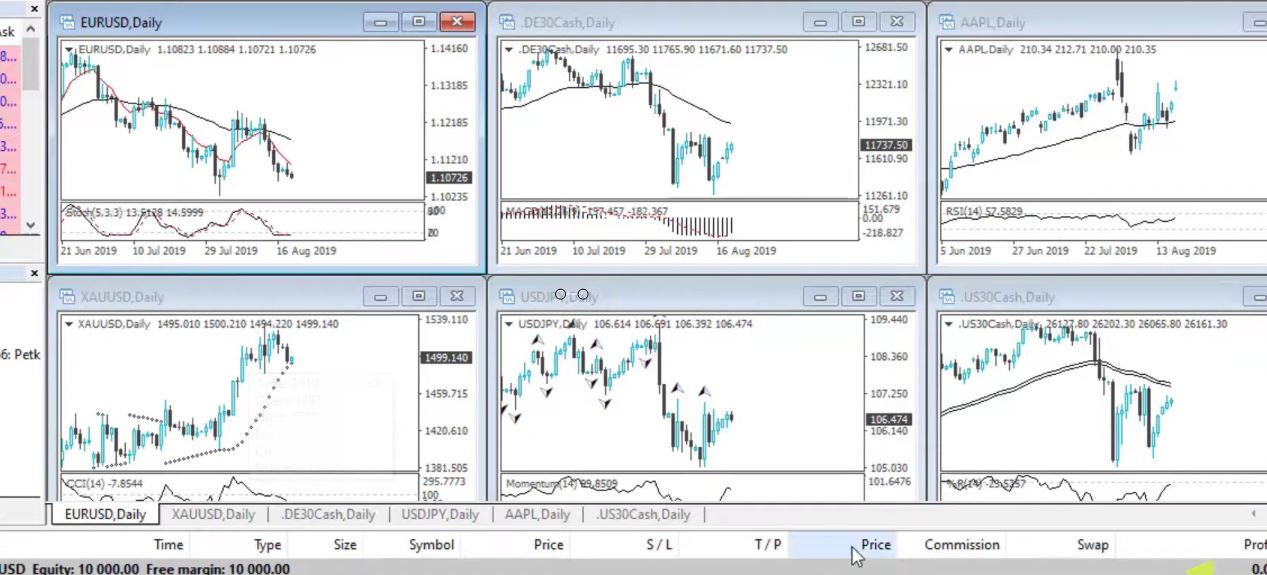
And all of that I can just close it or I can change to other assets. For example, if I want to trade the NZDUSD, I can catch it from the market watch. Let me see where it is, it’s right over here.
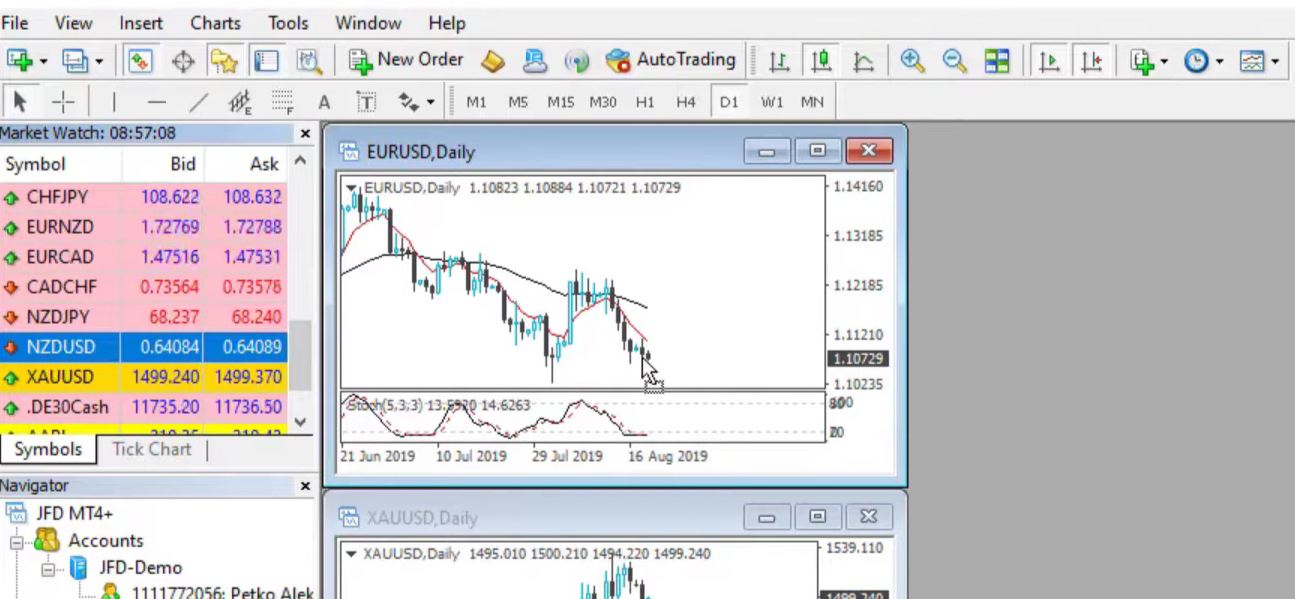
I can just drag it over the chart and the NZDUSD will appear on my chart and I can make it actually fullscreen.
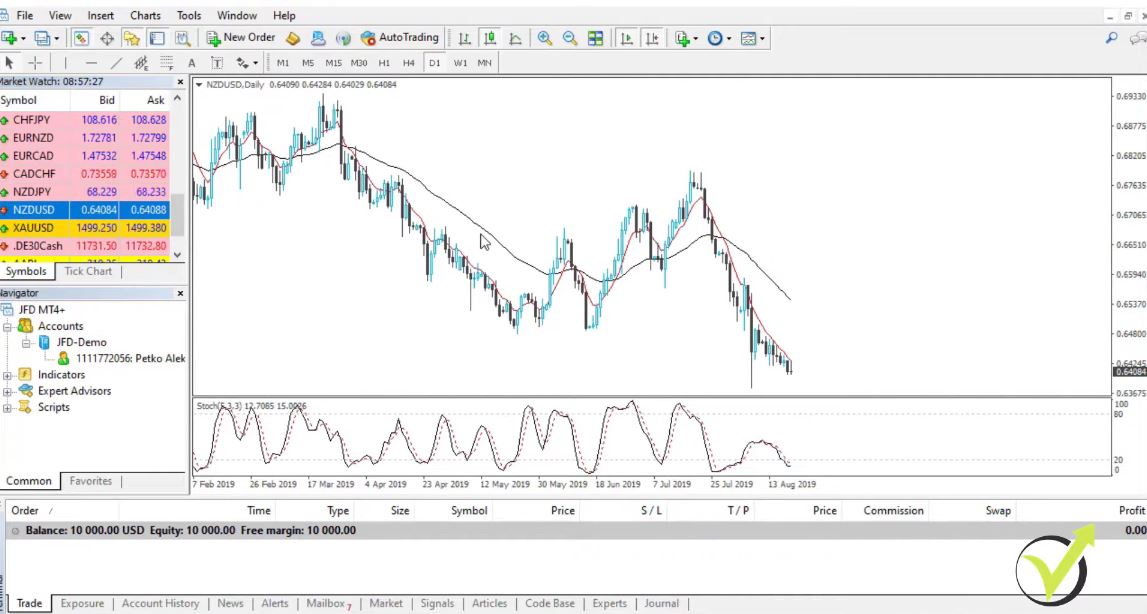
You can see there are some indicators that came by default and in the next lecture, I will show the very basics of Meta Trader, how to remove indicators, how to insert indicators, what is the market watch, the navigator, the terminal.
Very simply, the basics of this platform for the people who didn’t use it, and for those who already have the experience you can simply skip the next lecture and continue with the course.
So this is how to install MetaTrader 4 on PC. Just a couple of steps and you have it installed on your trading platform. I will continue straight away with the next video. And if you have any questions, of course, you can ask me at any moment in our Forum.
Cheers.