 Petko Aleksandrov
Expert Advisors are a popular type of software used on the MetaTrader 4 and MetaTrader 5 platforms. This software comes in all shapes and flavors and is known for its ability to fully automate the trading process. In the middle between manual and algorithmic trading are the Non-Trading EAs.
Despite their main goal being opening and managing trading positions on certain conditions there are some EAs that are not used to directly manage positions. Some EAs are used to generate trading signals and alerts. That can help traders and investors increase their trading accuracy in volatile financial markets.
Let’s discuss what are the most useful non-trading EAs. More, you will learn how you as a trader can use them in your trading activities.
Non-trading EAs vs trading EAs
While many traders use EAs for signal generation and for catching important zones and setups, top rated MT4 EAs help traders to automate their trading process fully.
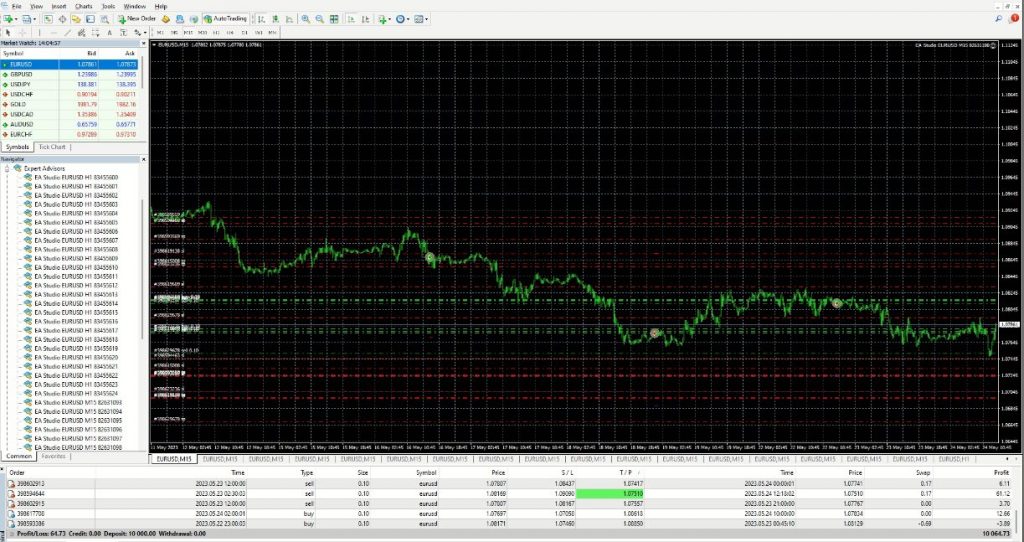
These EAs are known to let traders enjoy much more free time. This is possible by radically reducing the time needed to stare at the charts for finding setups.
EAs also take away the emotional burden associated with trading and are great for eliminating psychological factors in trading. Many of these EAs are free and it is easy to download and install them. It will require a basic knowledge of the MetaTrader 4 (MT4) platform to use EAs in trading.
Non-trading EAs are for helping traders in catching important market movements. Many non-trading EAs offer customizable alerts that can be used not to miss when a predetermined setup occurs. Since EAs are relying solely on mathematical algorithms some traders prefer EAs just to alert them about certain market conditions.
This way traders can decide at their discretion if the setup is worthy of trading or not.
Top non-trading EAs list
The non-trading EAs are the best middle ground between manual and automated trading and
they offer the unique ability to get alerted when your trading setup occurs.
- Market reversal alert EAs – after certain conditions happen the EA will immediately send a message to your preferred platforms to notify you something is happening on the markets
- Indicator crossover alert systems – indicators like moving averages may offer signals for traders when they cross and EA can send alert messages to traders
- Custom indicator alert EAs – traders can program their indicators and create EA that alerts them when conditions change in the markets
- Spread information display EAs – This EA displays the information about current spreads and can greatly help traders define if a position is worth opening depending on the current spread. This is especially useful during important news when spreads are known to become much larger. Having a tool displaying the current spread can help you limit losses due to increased trading costs.
- Candle close timer EAs – this EA can show when a new candle is going to open and help traders know when to stare at the chart for detecting their conditions
- Tick speedometer EAs – show the speed at which new ticks are happening and help traders define the volatility behind the moves
As we can see there are many useful non-trading EAs that simplify the trading experience for
traders by informing them about important market events and volatility.
There are many other non-trading EAs out there but these ones are absolute essentials.
Challenges of developing non-trading EAs
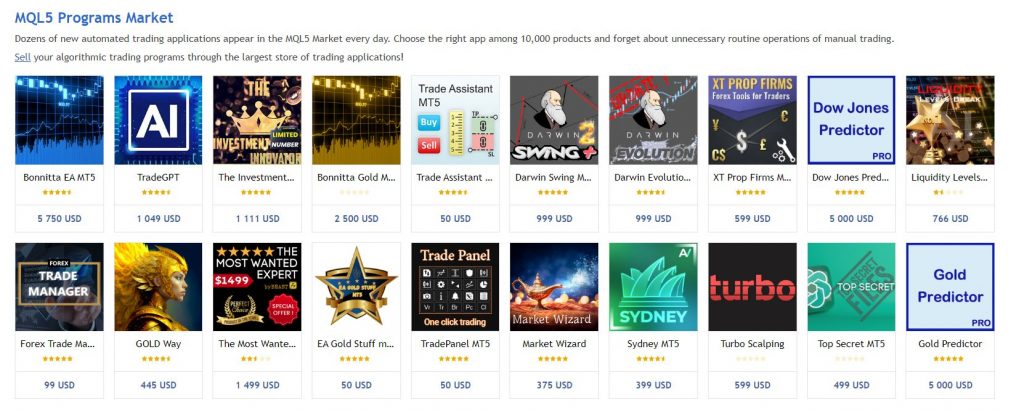
Non-trading EAs can be developed or purchased on the marketplace where thousands of EAs
are developed and sold.
The easiest way to use EA is to download and install it on your trading platform. If you want to develop your own trading bot it will require advanced programming skills and can be a challenging task as MT4 uses MQL5 programming language similar to C++ language.
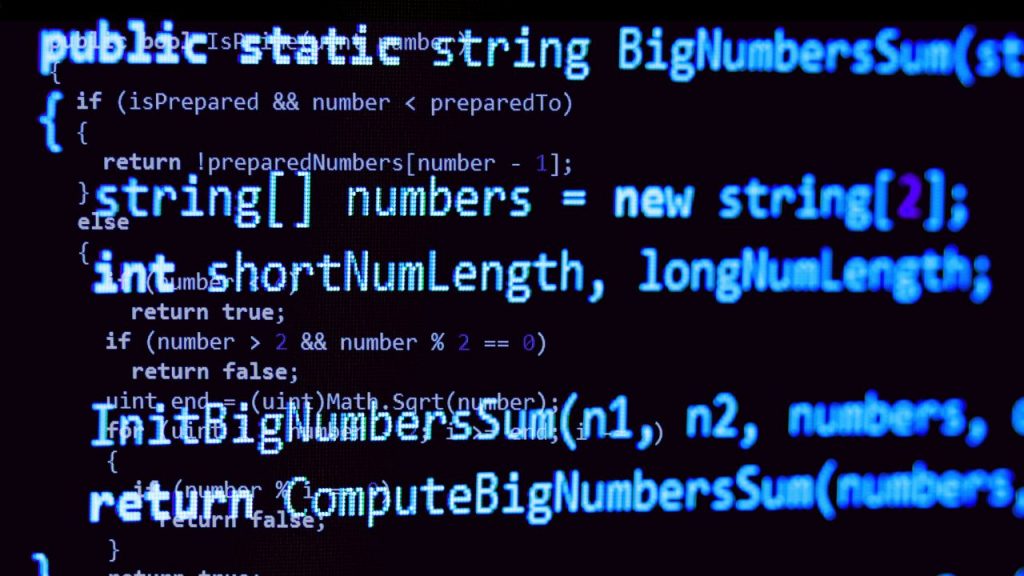
This means it will be necessary to learn programming before you can implement your trading strategy into a trading robot. This is why it is better to either hire a programmer or download an already-developed system online.
Since the online marketplace may not hold trading robots that follow your custom strategy it will be much easier to hire someone who is experienced in writing working EAs.
How to deploy EAs on the trading platform
Before you can run either non-trading or trading EA it is necessary to install it somewhere. And for this, you will need to open a demo account and download the MT4. For a demo account and then to run the EA on a live environment you have to find a well-regulated trustworthy Forex
broker like Axiory.
This broker offers not only a free demo account but also extended educational resources for free which can be used to deepen your understanding of financial markets. With the demo account, you can run and test as many EAs as you want and it is also possible to write your custom indicators and EAs.
MT4 and MT5 share similarities when it comes to installing EAs. Traders just have to open the main menu and click on a data folder.
After this just open the MQL4 folder to find folders where you can paste the downloaded files. Make sure the files are unzipped and are .ex4 extensions.
Now, just open the Experts folder and paste your EA files there. All is done. Now the EA will be
visible on the navigation bar of MT4 and you can start testing and experimenting with it.