

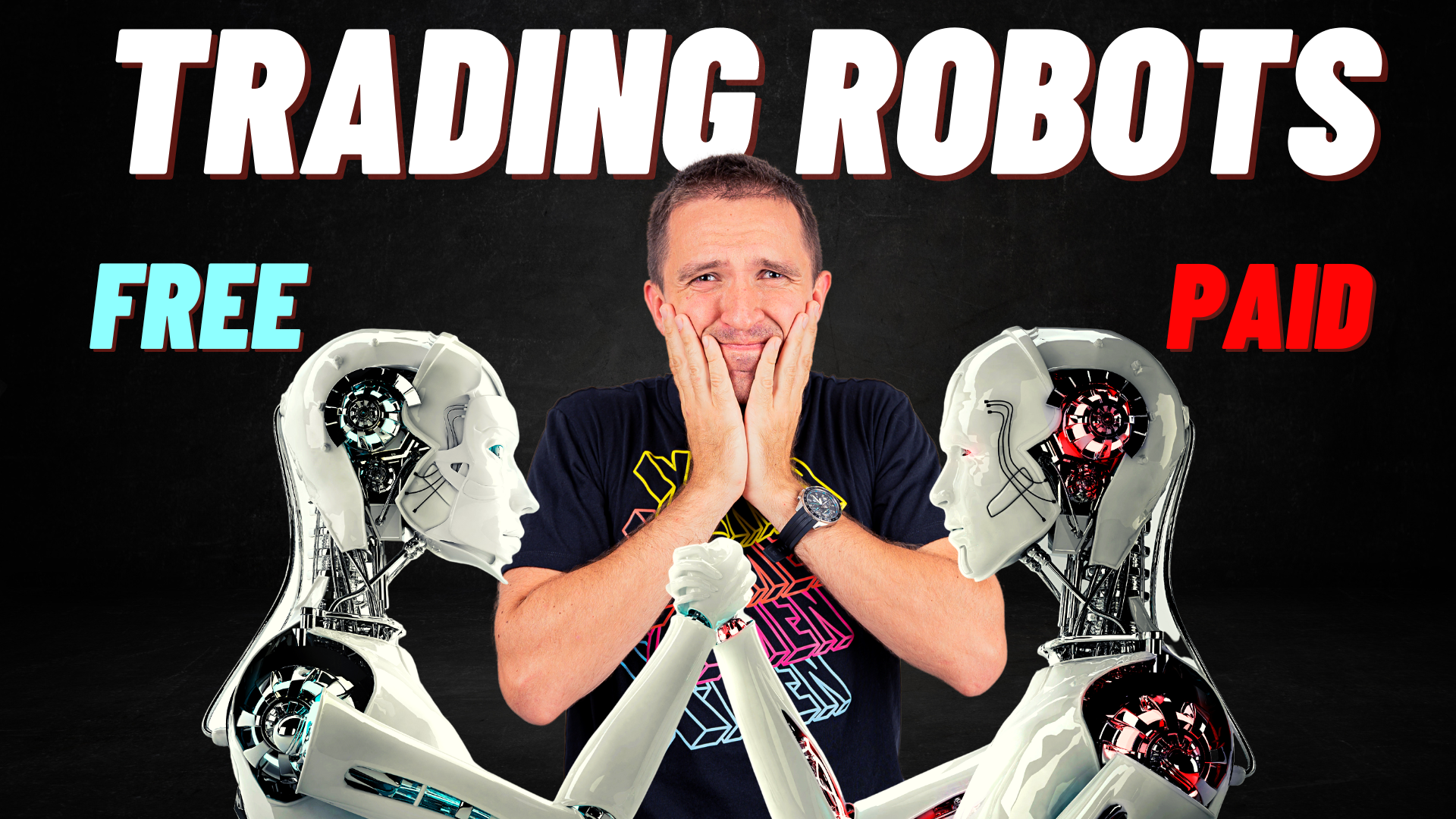
Choosing between a free vs paid Bitcoin EA on MT5 is less about the price tag than most traders expect. A commercial robot may come with seller help, version updates and a demo you can try first, while a free one can run equally sophisticated logic, and either can fail if the strategy, risk controls or broker conditions are wrong.
This guide revisits a comparison that Petko Aleksandrov, founder of Algo Trading Space, ran, pitting a free BTCUSD robot built with EA Studio against a paid scalping EA from the MetaTrader Market. We report what that test showed, where it falls short as evidence, and which checks matter ahead of downloading or renting any Bitcoin trading robot.
Free vs Paid Bitcoin EA: The Short Answer
Neither category is better by default. Compare strategy logic, drawdown, risk controls, backtest quality and live behaviour on your own broker first, and treat price as a secondary filter rather than a signal of quality.
| Factor | Free Bitcoin EA | Paid Bitcoin EA |
| Upfront cost | None | Perpetual licence or monthly rental |
| Trying it first | Download and test directly | Market demo runs only inside the tester |
| Code visibility | Sometimes shipped as editable source | Usually compiled, logic undisclosed |
| Updates and support | Depend on the author | Often offered by the seller, never guaranteed |
| Risk controls | Vary widely | Differ between products |
| Evidence of future profit | None | Equally absent |
A higher price can buy convenience and accountability. It cannot buy an edge the market has stopped rewarding.
Which Suits Which Trader?
A free EA tends to suit traders who want to learn how automated BTCUSD strategies behave, are comfortable testing and adjusting files themselves, and prefer to read source code where it is available. A paid product can make sense for someone who values documentation, seller support and a structured update history, provided they test the demo thoroughly and accept that the licence fee buys service rather than results. Many experienced traders use both, keeping whichever survives their own testing.
What Is a Bitcoin EA on MT5?
A Bitcoin EA is an Expert Advisor that trades BTCUSD automatically inside MetaTrader 5: it reads each new bar, checks coded entry and exit rules, and sends orders to your broker. On most retail accounts the instrument is a contract for difference on Bitcoin rather than the coin itself, so the broker’s spread, swap and leverage terms shape every result.
Approaches differ enormously, from trend-following and breakout systems to indicator combinations, scalpers and bundles of several strategies in one file. Our separate guide to setting up and rotating Bitcoin Expert Advisors in MetaTrader covers installation; this article concentrates on the free-versus-paid decision.
What Do Bitcoin EAs Cost on MT5?
Costs run from nothing to a one-off licence or a recurring rental, and the Market shows the pricing model on every product page. According to MetaQuotes, the price of a time-unlimited licence appears beside the Buy button, any rental fee is listed per term, and each purchase includes at least five activations (MetaTrader 5 Help, How to Purchase an App, accessed September 2026). MetaQuotes also notes that most sellers offer rentals of one to twelve months, which cost less than a full licence (MetaTrader Market overview, 2022).

Free BTCUSD robots come from three main places:
- free listings on the Market itself;
- the MQL5 Code Base, which MetaQuotes says holds thousands of free robots and indicators (MetaTrader 5 platform page, retrieved September 2026);
- strategy builders such as EA Studio, where you generate and export your own Expert Advisor.
The test below quotes a $349 licence and a $99 monthly rental for the paid robot, as listed when the video was recorded. Market prices change, so check the current listing rather than relying on those figures.
Does Paying More Mean Better Performance?
No. A seller’s price reflects development effort, support and marketing as much as trading merit, and a free author’s generosity says nothing about durability either way. What deserves comparison instead is covered in the checklist further down: drawdown, sample size, test length, stop design, position sizing, averaging-down behaviour, cost assumptions and forward results.
Our Free and Paid Bitcoin Robot Test, Re-Examined
The test pitted one free EA, a three-strategy free portfolio and one commercial EA against each other on BTCUSD. It is a useful demonstration of how to compare robots, yet it does not show that free EAs beat paid ones, for reasons set out below.
The Robots Compared
- Free EA. Picked at random from a collection of ten Bitcoin strategies generated by EA Studio, using three entry indicators and one exit indicator, plus a fixed stop, a take profit, and no grid trading or Martingale sizing.
- Paid EA. Bitcoin Scalper Pro, a scalping robot found in the Market. Aleksandrov noted that its listing described protective orders on every trade and ruled out position averaging.
- Free portfolio. The three best performers from the same collection, merged into a single portfolio file.
The commercial robot’s backtest ran on an MT5 account with BlackBull Markets, which sponsored the video.
How Each One Was Tested
| Test parameter | Free EA | Free portfolio | Paid EA |
| Testing tool | EA Studio | Same as free EA | MT5 Strategy Tester |
| Timeframe | M15 | M15 | H1 |
| Period | From early 2020, about 2 years 9 months | Same data | Not given |
| Lot size | 0.1 | Unreported | 0.1 |
| Net profit reported | About $2,325 | About $7,000 | $4,287 |
| Drawdown reported | Not given | Unreported | $186 equity (1.71%) |
Source: figures as read out in the embedded video; this article was first published in December 2023.
What the Results Show
On the reported figures, the commercial EA beat the single free one: $4,287 against roughly $2,325, with a shallow equity drawdown of $186, or 1.71%. Aleksandrov called it a strong backtest while adding that he hoped it had not been over-optimised. His closing suggestion was practical rather than a verdict: rent the commercial robot for a month and run it alongside the free portfolio on demo, which is exactly the kind of forward evidence no backtest can replace.
The free side only came out ahead once three EAs were combined, reaching the portfolio figure shown in the table. An earlier version of this page credited the lone free robot with better risk management and described its commercial rival as harder to configure; the video supports neither claim, so both have been removed.
Why This Test Cannot Name a Winner
Several differences stop the numbers from being directly comparable:
- Separate engines. EA Studio and the MT5 tester use different data and modelling, so identical rules can produce different outcomes.
- Mismatched timeframes. M15 and H1 generate very different trade counts and cost profiles.
- Unequal periods. The paid test window was never stated.
- Selection after the fact. Choosing the top three of ten strategies by past results flatters the portfolio, and the same filter applied to ten commercial robots would flatter them too.
- No live evidence. Every figure is a backtest.
How to Run a Fair Comparison Yourself
If you want to settle the question for your own account, hold every variable constant except the robot:
- Use one broker’s BTCUSD history for both EAs, with its real spread and commission.
- Test on the same timeframe the developer specifies, or on both if they differ, and report each separately.
- Match the date range, starting balance and position-sizing rule.
- Keep the most recent months aside as out-of-sample data.
- Forward-test both on demo for the same period before drawing conclusions.
Returns Versus Risk: How to Read a BTCUSD Robot Backtest
Net profit on its own misleads. Judge each robot on what it earned relative to the risk taken, because BTCUSD volatility can make an aggressive system look brilliant right up to its first bad week.
Look for these in the MT5 report:
- maximum drawdown, in money and as a percentage;
- profit factor and total number of trades;
- test length, and whether it spans rising, falling and sideways phases;
- modelling quality, since MetaQuotes describes Every tick based on real ticks as the mode closest to live conditions (MetaQuotes testing documentation);
- the fee, swap and slippage settings used.
Then check behaviour on data the robot was not optimised on, ideally through walk-forward analysis. Our guide to backtesting in the MetaTrader 5 Strategy Tester walks through each setting.
Support, Updates and Ease of Use
Service is where paid and free products differ most visibly, though not always in the direction buyers assume. A commercial seller usually publishes a version history and answers questions through the product page, and MetaQuotes lets buyers update a purchased application from inside the platform. Free authors may offer none of that, or may maintain a file more carefully than many sellers do.
Installation effort is similar on either side. Market purchases download straight into MT5, while a free file goes into the Experts folder and, if supplied as source code, needs one compile in MetaEditor. Neither route is technically demanding; the real work lies in testing, monitoring and deciding when a strategy has stopped suiting current conditions.
Risks on Both Sides of the Decision
Each route carries risk; the two simply carry different kinds.
Free Bitcoin EAs
- Documentation can be thin or missing entirely.
- Updates depend on the author. Algo Trading Space retired the individual robots from its YouTube videos, including the ones in this test, in September 2025 because they needed re-optimisation.
- Logic may never have been checked beyond a single backtest.
- Behaviour can shift between brokers’ BTCUSD feeds.
Paid Bitcoin EAs
- A price tag guarantees nothing about quality.
- Showcase backtests may be tuned closely to past data.
- Compiled files keep the strategy logic hidden.
- Future updates and seller support are promises, not contractual obligations.
Whichever you choose, watch for position-scaling tricks. Our explainer on how Martingale EAs build hidden risk shows why a smooth equity curve can conceal a large tail loss, and our guide to spotting forex EA scams covers the red flags common on sales pages.
What to Check Before You Download or Buy Any Bitcoin EA
Run through these questions before any BTCUSD robot touches a live account:
- Does it place a stop loss on every position, and is that stop fixed or trailing?
- Is grid or Martingale position scaling involved?
- What is the maximum historical drawdown?
- How many trades sit in the backtest, and across how many years?
- Can you test it free first, and on whose data?
- Was it built and tested on BTCUSD specifically?
- What is your broker’s Bitcoin symbol, and do its contract specifications match the developer’s?
- Does it support hedging or netting accounts?
- Are spread, commission and swaps included in the results?
- When was it last updated, and is there a changelog?
If a seller or author cannot answer most of these, the price stops mattering.
How to Test a Market EA in MT5 Before Paying
MetaQuotes recommends trying any Market robot ahead of purchase, and doing so costs nothing. Demo versions can be run in the tester, but the MetaTrader 4 documentation notes they cannot be launched on a live chart (MetaTrader 4 Help, Market).
- In MT5, open the Market tab and search for the robot.
- Click Test or Free Demo to load it into the Strategy Tester.
- Select BTCUSD, the timeframe the seller specifies, your date range and lot size.
- Run the test, then review the graph, report and journal.
- Repeat using tick-based modelling and your broker’s real costs.

Why a Portfolio of EAs Can Matter More Than Price
The strongest idea in the original test has nothing to do with price. Running several strategies together can smooth an equity curve, because one EA’s losing stretch may overlap with another’s winning run, although correlation between Bitcoin systems tends to rise sharply during a crash.
A portfolio Expert Advisor packs those strategies into one file. In MT5 you copy it into MQL5 > Experts through File > Open Data Folder, compile it in MetaEditor, attach it to a BTCUSD chart on the specified timeframe and set trade size in the inputs. Each strategy keeps its own identifier, so you can track them individually and drop the ones that stop performing.

Algo Trading Space no longer distributes the individual free EAs from its videos. Since September 2025, three robots from its Top 10 App, refreshed monthly, sit in the Freebies tab of a free platform account, with advice to backtest them through EA Studio on your broker’s data before trading.
Bitcoin EA Regulation and Leverage Limits
Where you live decides whether you can use an automated Bitcoin strategy at all. Under ESMA’s product intervention measures, retail CFD leverage on cryptocurrencies is capped at 2:1 in the EU (CNMV bulletin, June 2018). In the UK, the FCA banned selling crypto derivatives, CFDs included, to retail consumers from January 2021 (FCA, October 2020) and confirmed in February 2026 that this ban remains in place (FCA, February 2026). Brokers outside those frameworks may offer far higher gearing, which magnifies losses as quickly as gains.

“Bitcoin Robot” Apps Are Not the Same as MT5 EAs
Many searches for a Bitcoin robot lead to branded web apps promising automated profits in return for a deposit. These are a different product from an MT5 Expert Advisor: you usually cannot inspect their rules, backtest them in MetaTrader or choose your own regulated broker. Your deposit often sits with an operator you know little about, rather than in a broker account you control and can audit. Check any such platform against your national regulator’s warning list before sending money.

FAQs
Can Bitcoin EAs run on prop firm accounts?
Sometimes, but read the firm’s rules first. Many funded-account programmes restrict Expert Advisors, ban styles such as high-frequency scalping or tick arbitrage, or exclude crypto symbols altogether. Some also set tight daily drawdown limits that a volatile BTCUSD strategy can breach in a single session. Check the prop firm’s EA policy, confirm Bitcoin is tradable on your challenge account, and backtest against its loss limits before paying a challenge fee. These conditions change often, so recheck them before each purchase.
Do EAs trade Bitcoin at weekends?
That depends on your broker, not on the EA. Bitcoin trades around the clock on crypto exchanges, but CFD brokers set their own BTCUSD session hours, and some pause quotes over weekends or during maintenance windows. Right-click the symbol in MT5’s Market Watch and open its specification to see the trading sessions. An EA built on seven-day data may behave differently on a feed with weekend gaps, so always test on the exact symbol you intend to trade.
Are “AI” Bitcoin EAs better than rule-based ones?
Not automatically. An “AI” label can mean anything from a trained neural network to ordinary indicator rules with a marketing name attached. Machine-learning models can pick up patterns but are also easy to overfit, and their decisions are harder to audit. Judge an AI Bitcoin EA exactly as you would any other: drawdown, trade count, out-of-sample results, cost settings and demo behaviour. If the seller cannot explain what the model does or how it was validated, treat that opacity as a risk.
Do I need a VPS for an MT5 Bitcoin robot?
If your broker quotes BTCUSD for long sessions, a virtual private server is usually worth considering. An EA works only while its MetaTrader terminal is running and connected, so a laptop that sleeps or drops Wi-Fi can leave positions unmanaged. A VPS located near your broker’s trade server keeps MT5 online continuously and can reduce latency. MetaTrader 5 also lets you rent a virtual server directly from the terminal, which suits anyone preferring minimal setup.
Should I trust a free robot if I cannot see its code?
Be cautious. A compiled .ex5 file runs in MetaTrader 5 but hides its logic, so you depend entirely on testing to understand it. Free files supplied as .mq5 source code, like the portfolio shown in the video, can be reviewed in MetaEditor before you compile them. Either way, run it through MT5’s tester first, then on a demo account, and watch for grid-style order stacking or missing stops before trusting it with real funds.
How long should I demo-test a crypto EA before going live?
Long enough to see it through different market conditions, which for most strategies means weeks to months rather than days. The goal is confirming that live fills, spreads and trade frequency resemble the backtest. A low-timeframe scalper may build a meaningful sample quickly, whereas an H1 or H4 system needs considerably longer. Compare demo statistics against the backtest at regular intervals, and if the two diverge sharply, find the cause before committing real capital to the robot.
Get Help Comparing Bitcoin EAs With Algo Trading Space
If you are weighing free and commercial options and want help reading the backtest reports on your own broker’s data, get in touch with the Algo Trading Space team. We can talk you through setting up a fair side-by-side comparison ahead of committing capital or a licence fee.
Risk warning: Trading forex, crypto and CFDs carries a high risk of loss, and leverage can magnify losses beyond your initial deposit. This article is for educational purposes only and is not financial advice. Backtest results are hypothetical and do not guarantee future performance.

Comments
No comments yet. Be the first to comment!
Leave a Comment
Your email address will not be published. Required fields are marked with *